
- Easy
- 20–30 minutes
- No glue
- about 4.3 × 3.8 in (10.9 × 9.6 cm)
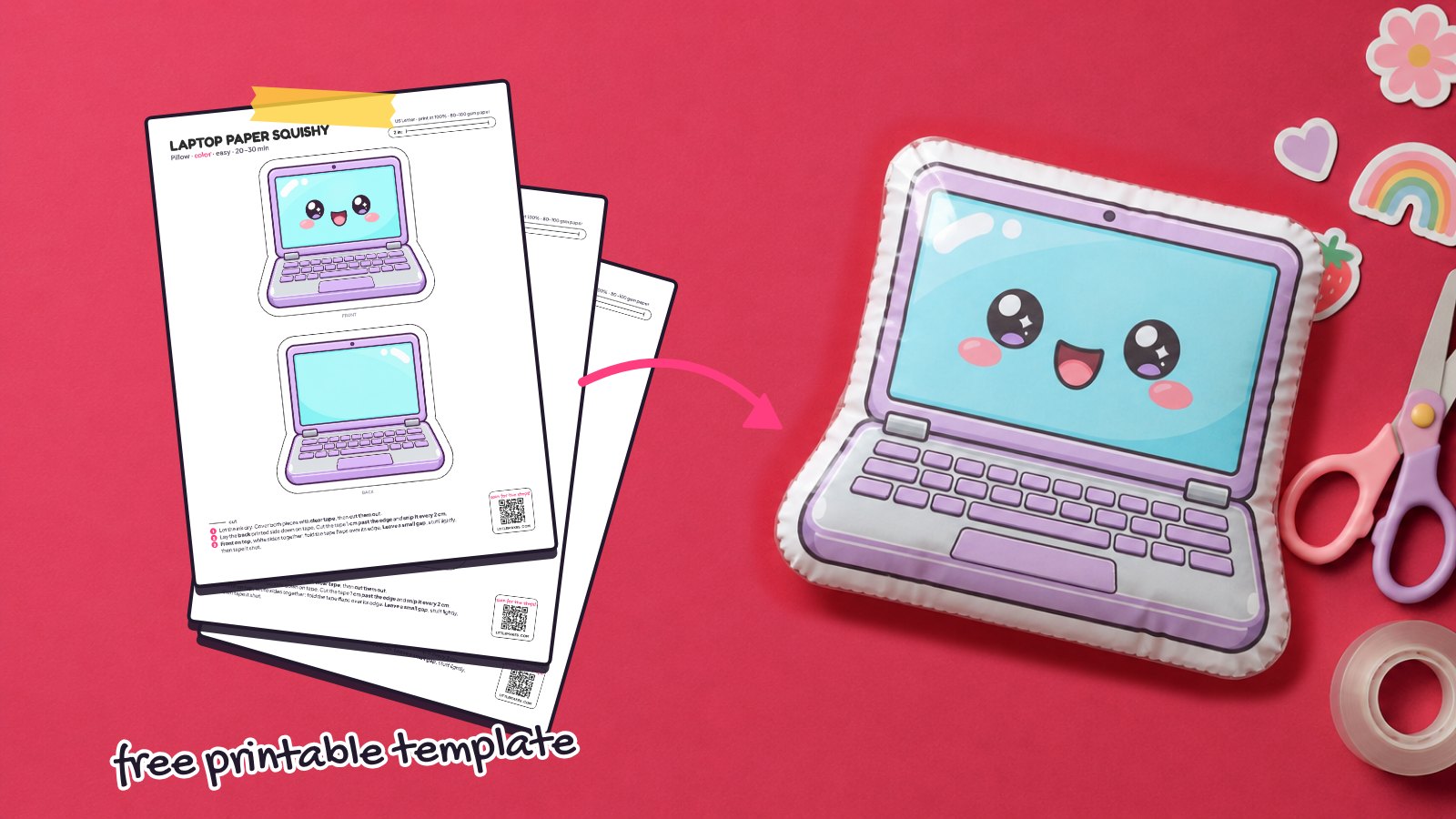
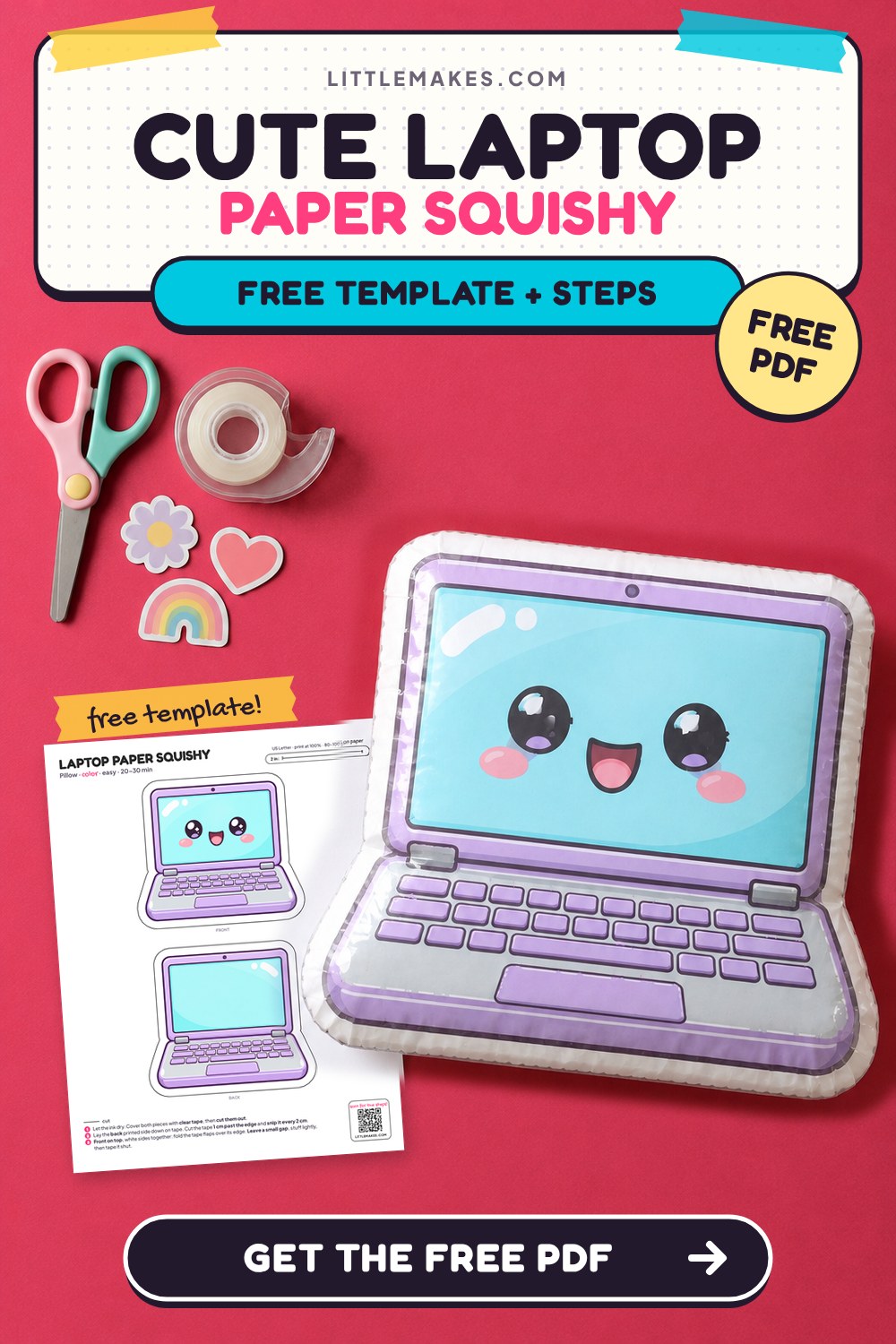
Turn your desk setup into a soft, squeezable pillow with this free laptop paper squishy template! It features a pastel purple frame, tiny keyboard keys, a little trackpad, and a bright aqua screen with a beaming kawaii face. The printable PDF comes in US Letter and A4 sizes with 3 versions: full color, a coloring page, and a blank outline. Pair it with our smartphone paper squishy or tablet paper squishy to build a complete paper tech collection.
What you need
How to make it, step by step
1Print the template
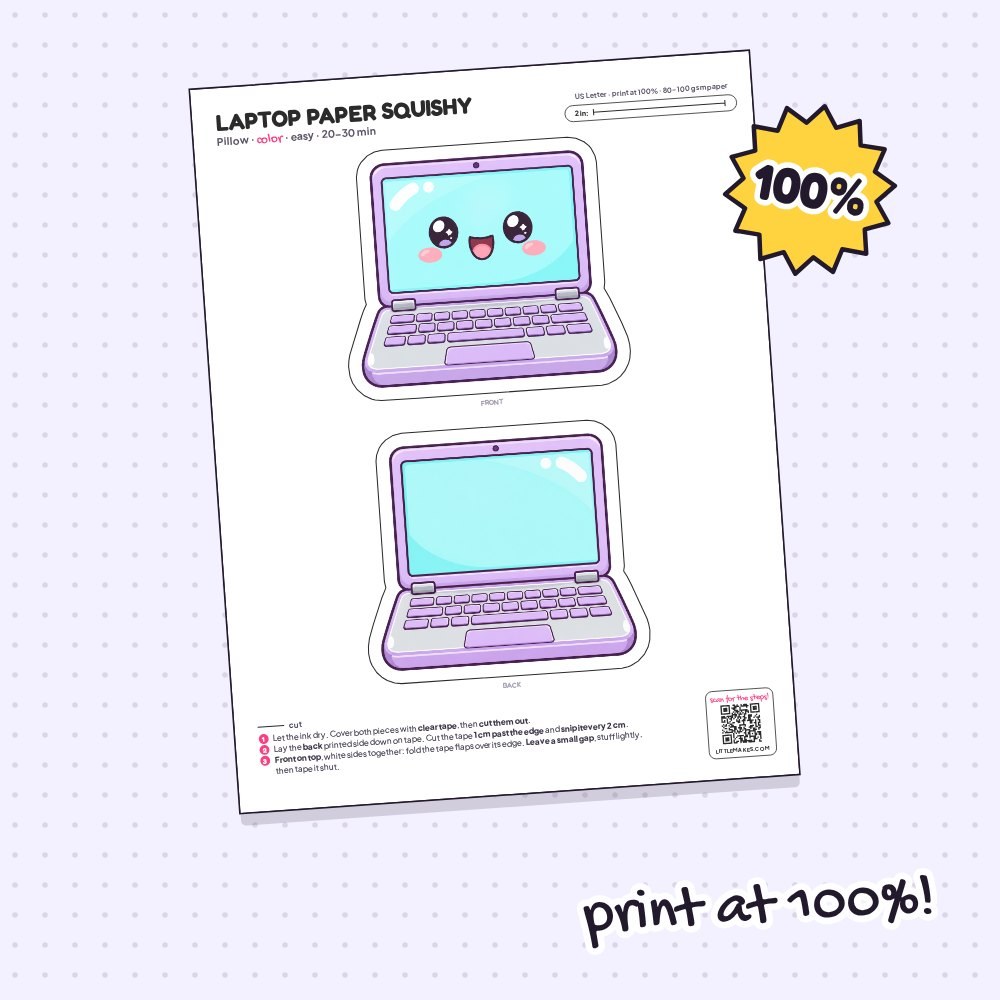
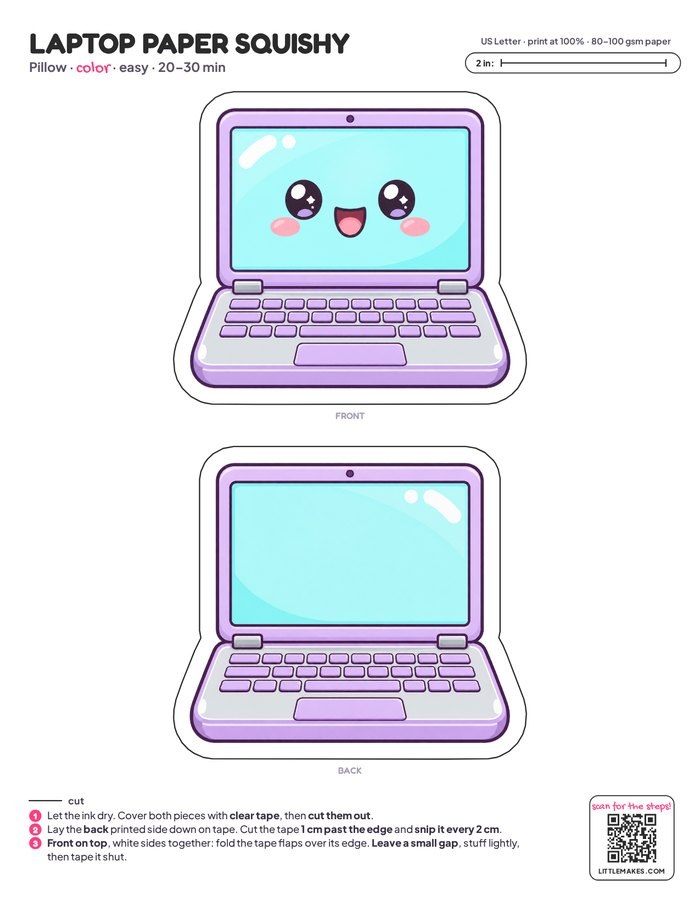
Print your laptop template at 100% scale on plain printer paper, making sure to turn off the “fit to page” setting. Check the scale line in the top corner to confirm it measures exactly 2 inches (50 mm on A4). Using the coloring page? Color the keys, frame, and screen now with markers or colored pencils, and let any marker ink dry completely.
2Tape the pieces
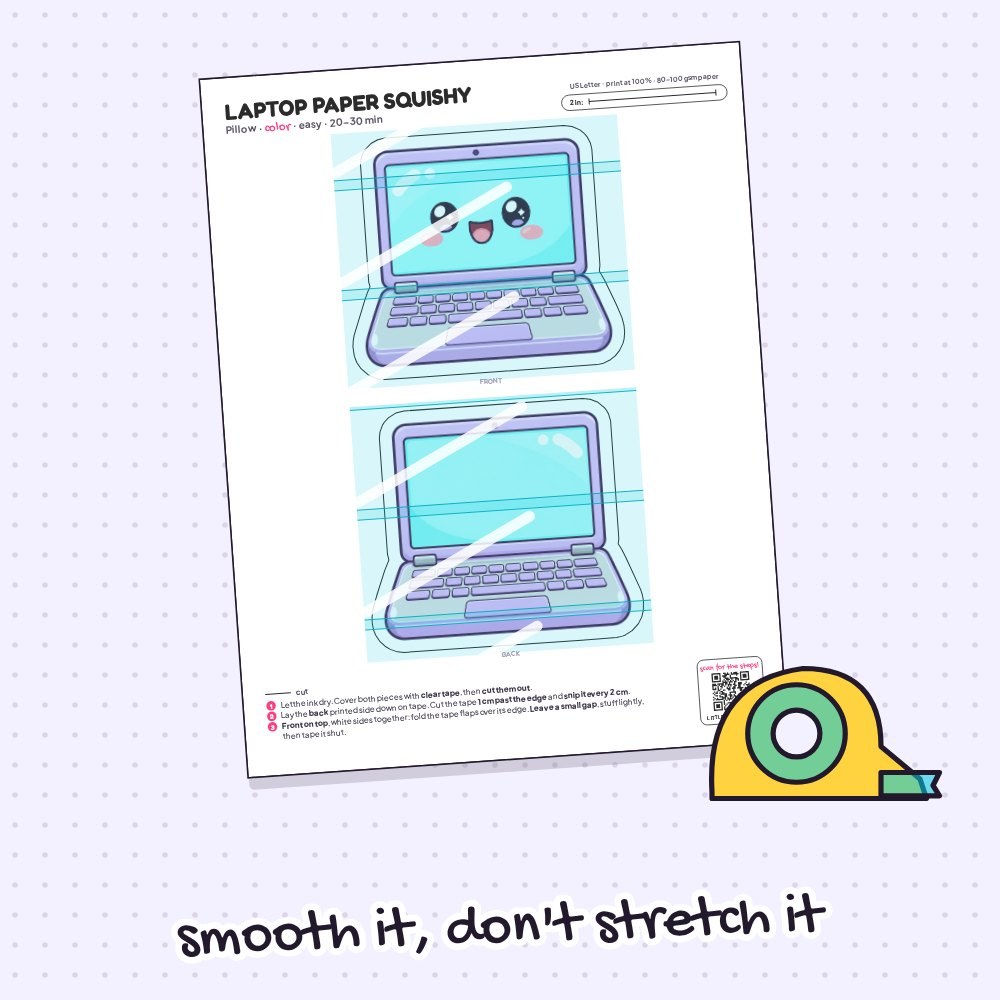
Lay wide clear packing tape over the front and back laptop pieces, covering only the two shapes rather than the whole sheet. Smooth each strip from the center of the aqua screen and purple keyboard outward without pulling—stretched tape wrinkles later. This clear layer makes your paper computer shiny, strong, and extra squishy.
3Cut out both pieces
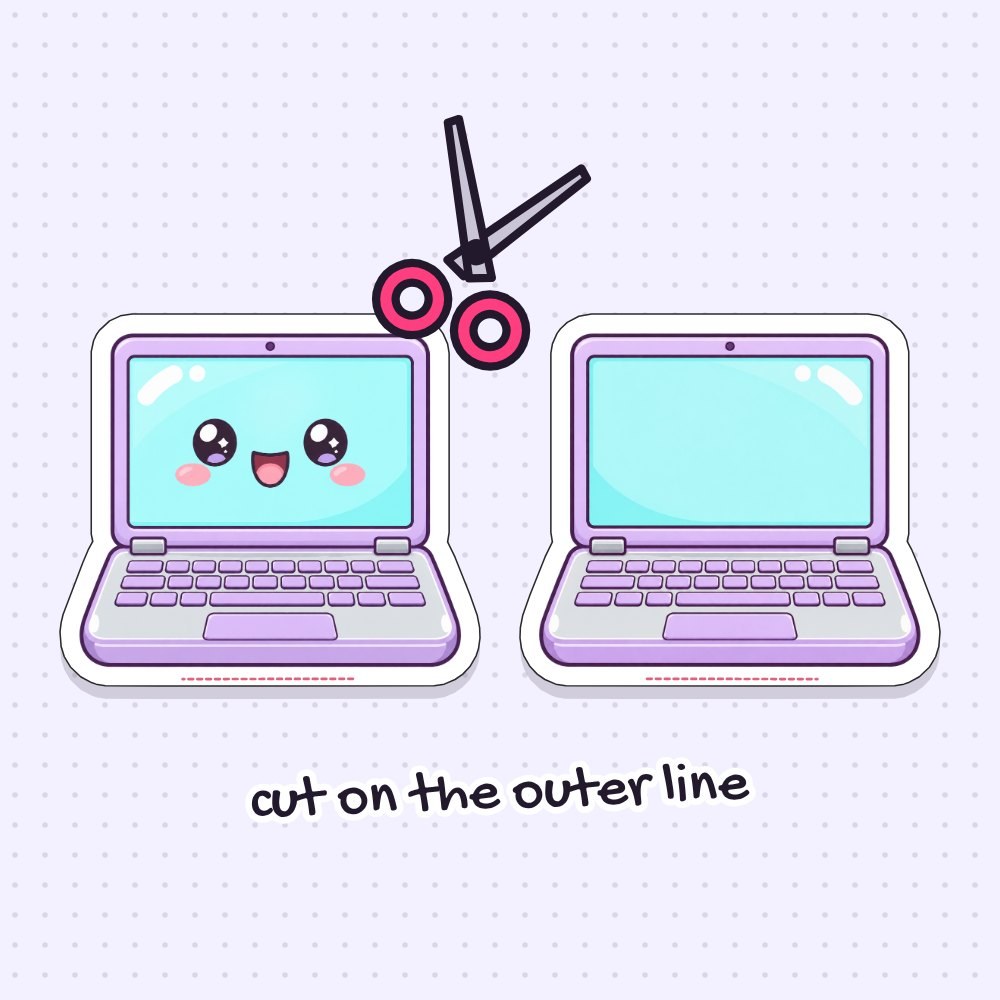
Use your scissors to cut out both the front and back laptop pieces right along the solid outer line. Take your time around the rounded screen corners and the slight angle where the screen meets the wider keyboard base, making sure to keep the small white border intact all the way around.
4Add a tape border to the back
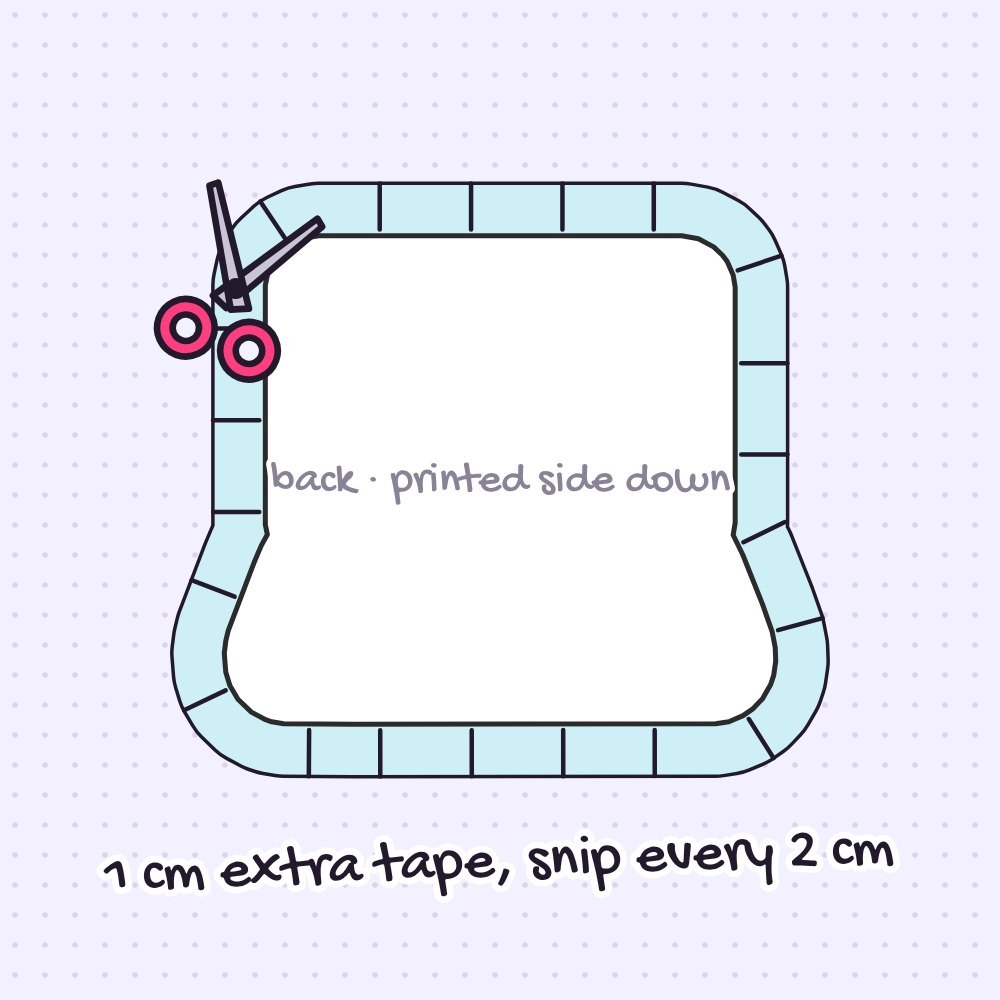
Lay the back laptop piece printed side down onto strips of regular clear tape so the sticky side faces up. Cut the tape about 1 cm (½ inch) past the paper edge, then snip this sticky border every 2 cm (1 inch) right up to the paper along the screen and keyboard edges. These little flaps will hold your squishy together.
5Join front and back
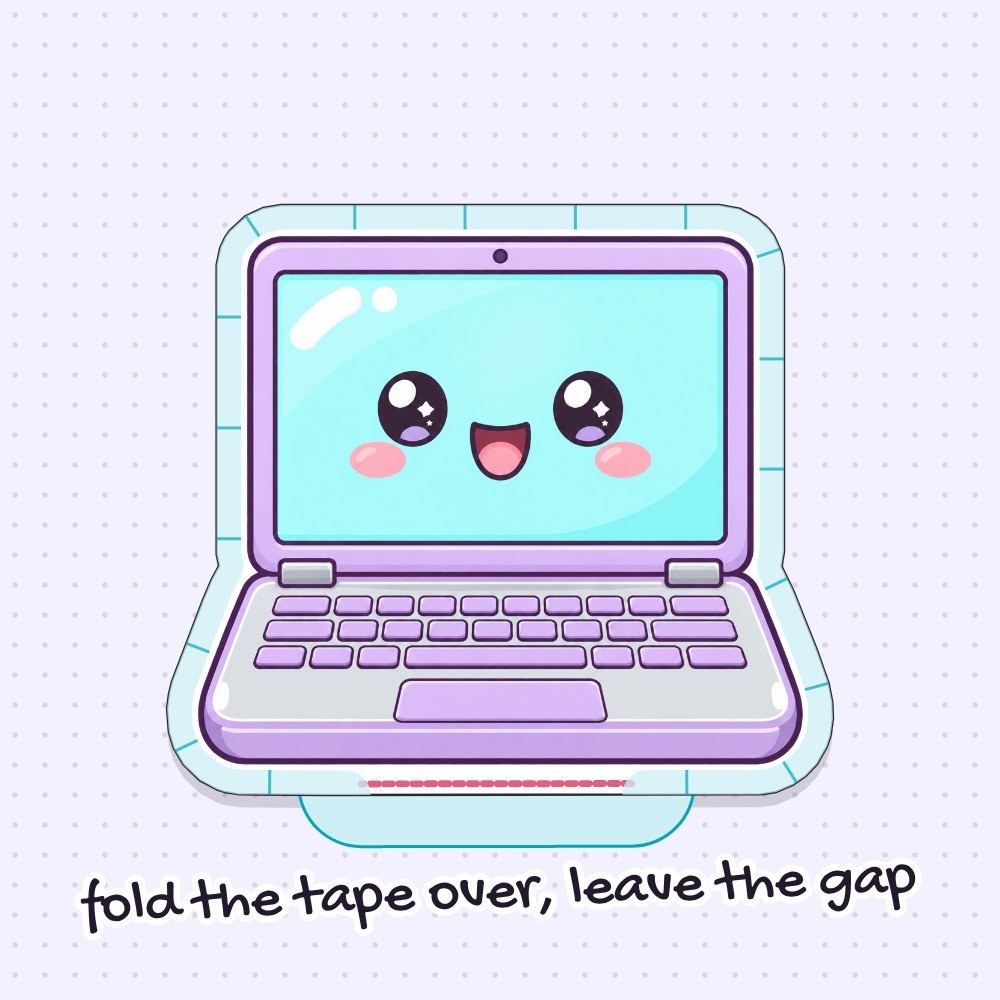
Put the front piece directly on the back piece with the white paper sides together. Fold the sticky tape flaps over the edge of the front one by one and press them down along the screen and keyboard sides. Leave a small gap open as shown by the pink line in the picture—that is your gap for the stuffing.
6Stuff it
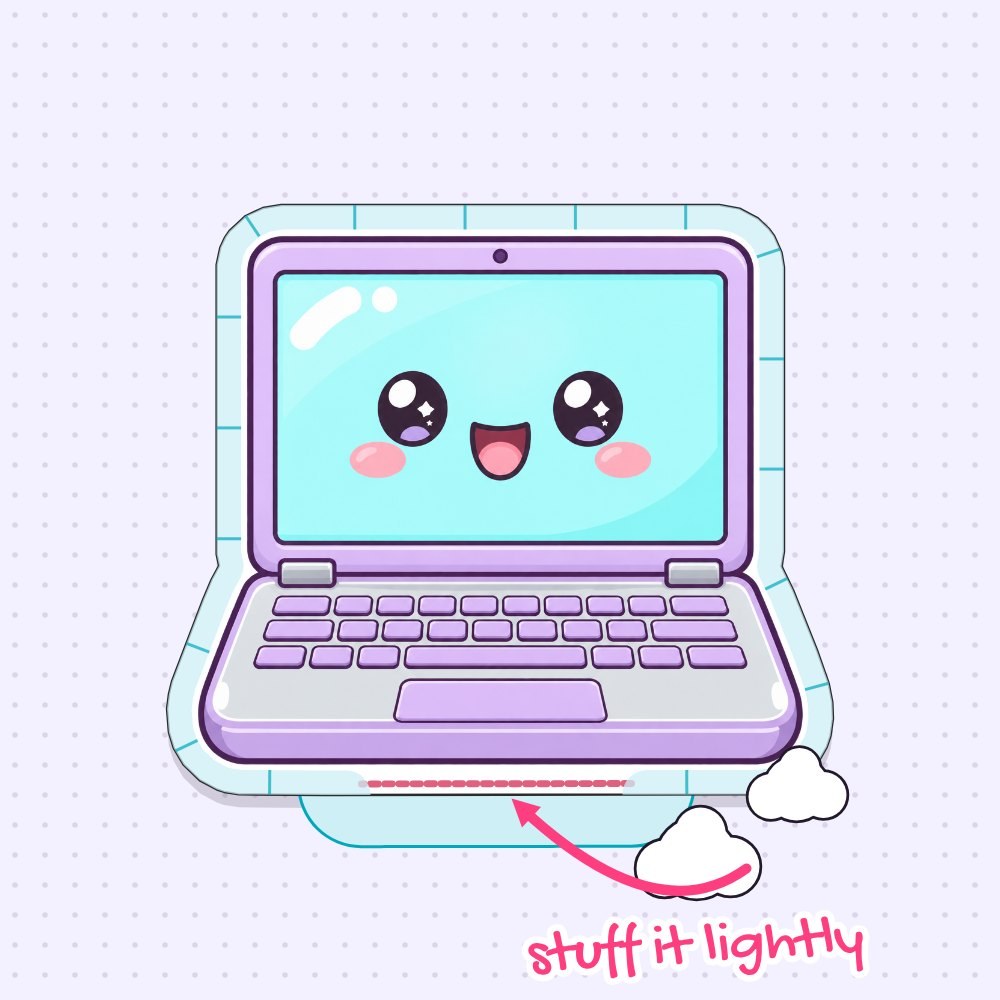
Tear plastic bags, cotton, or fiberfill into small pieces and push them inside through your open gap. Fill the far corners of the aqua screen and the wider purple keyboard base first so the shape puffs out evenly. Stop when the laptop feels soft and puffy, since too much stuffing makes the seams pop.
7Close the gap
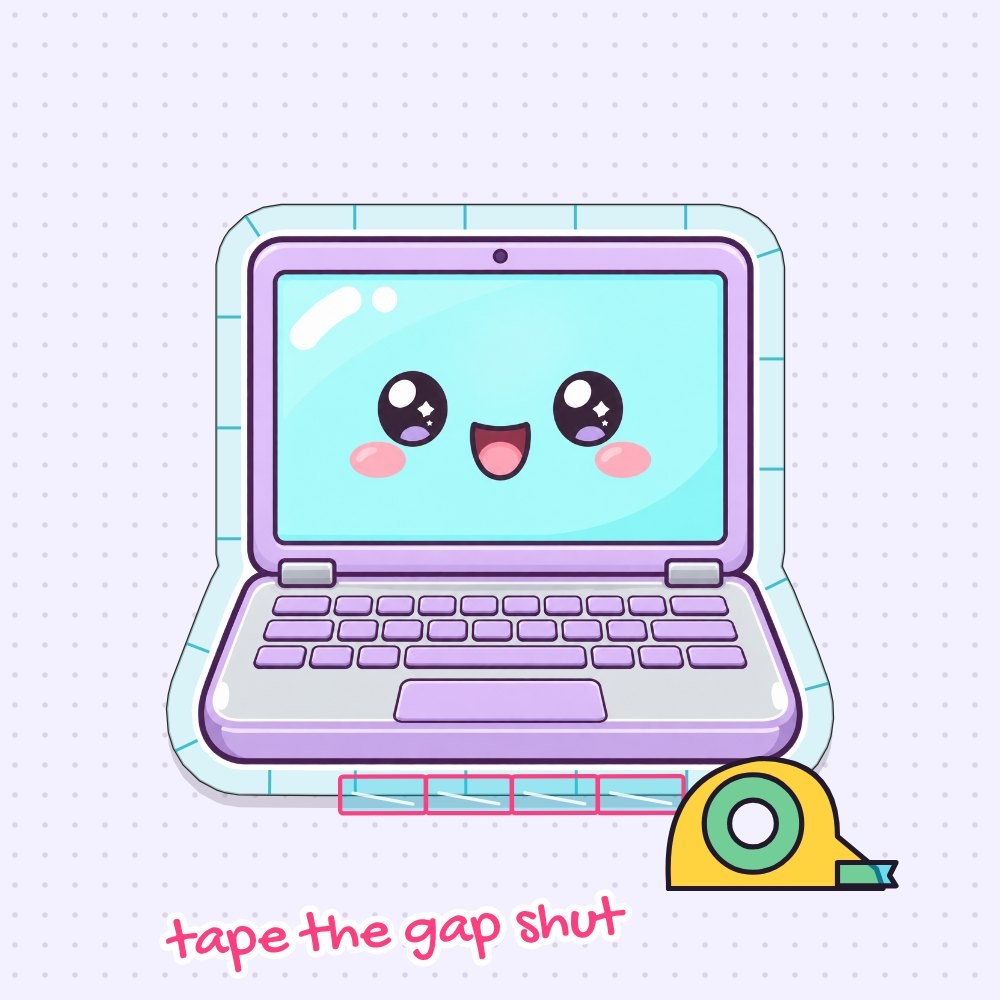
Fold the last tape flaps neatly over the edge and tape the gap shut with an extra strip of clear tape. Run your finger firmly along all edges—from the top of the screen down around the wider keyboard corners—to press the tape seams down well.
8Squish!
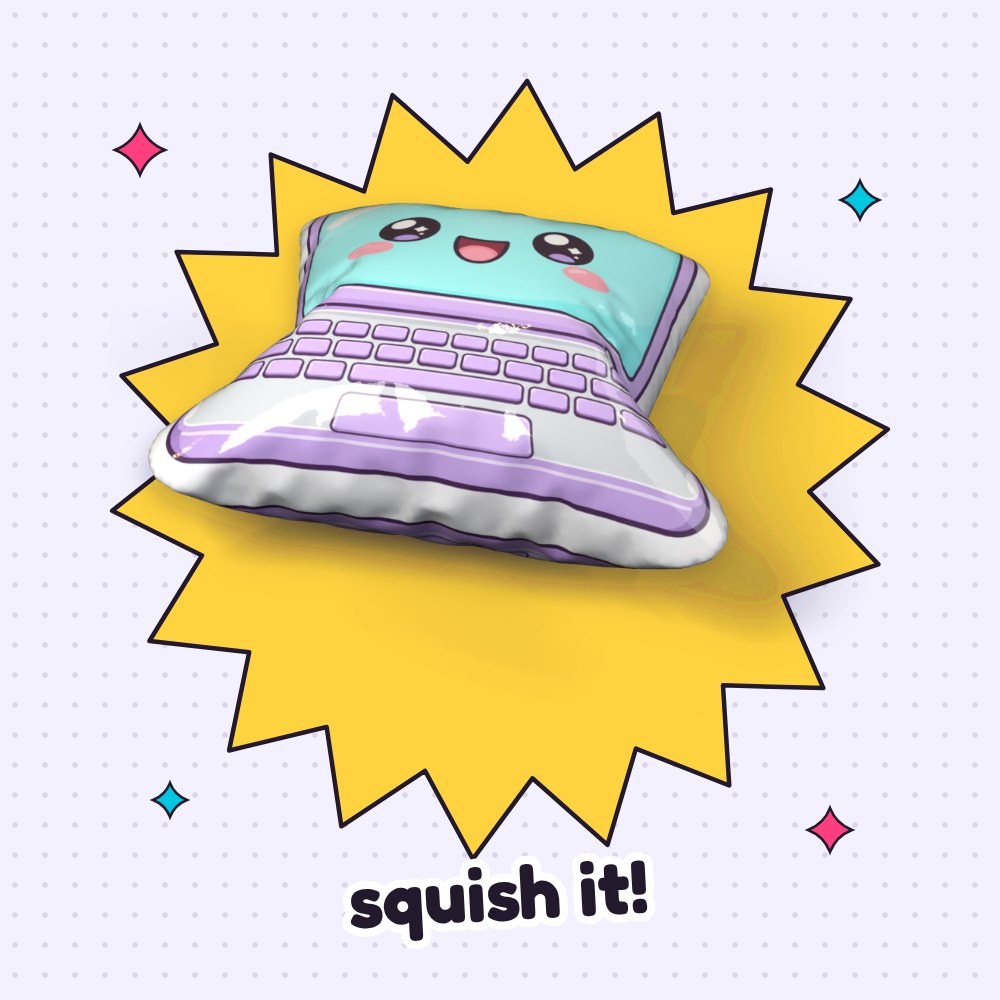
Done! Squeeze your kawaii laptop paper squishy across the puffy keyboard and smiling screen and watch it puff right back up. Want a slow-rising squishy? Prick one tiny pinhole in the back.
Free Laptop Squishy Template
- Color
- Coloring page
- Blank, design your own
- Step-by-step guide
One free PDF: the template in three versions (pages 1–3) and the step-by-step guide (pages 4–5). Print the template at 100% on plain printer paper.
Tips for the perfect squish
- The laptop feels too hard. If the wide screen and keyboard base feel stiff instead of squishy, it has too much stuffing inside. Open the gap, take some out, and tape the edge shut again.
- Wrinkles across the aqua screen. Tape wrinkles happen when strips are pulled while covering the wide laptop pieces. Use shorter strips of packing tape and lay them on gently without pulling.
- A side angle splits open. The slight bend between the screen and the wider keyboard base gets lots of pressure when you squeeze it. Put a new short strip of clear tape right across the edge, overlapping the old ones.
- Smudged keyboard lines. Marker ink on the tiny purple keys or kawaii face can smear if you tape over it too soon. Let markers dry fully before taping; printer ink is fine right away.
Questions
Can I use glue instead of tape to make a paper squishy computer?
Not for the edges. Glue doesn’t stick to tape-covered paper, so the seams would open, whereas the snipped tape border folded over the edge holds best.
What paper works best for a laptop paper squishy?
Plain printer paper (80–100 gsm / 20–24 lb) works best. Cardstock makes the wide laptop shape stiff and it won’t squish as nicely.
What can I stuff my paper laptop squishy with?
You can use plastic grocery bags for a crinkly and light feel, cotton balls or fiberfill for a soft pillow texture, or small pieces of memory foam for a slow-rising squishy.
Can I print the paper squishy computer template bigger?
Yes! Print the page at a larger scale, for example 120%, and make sure to print the front and the back together on the same sheet so they match.
Can I make these with a class or a group?
Yes! Print 1 sheet per person and cut the tape strips in advance. Kids can color the laptop coloring page while you help with taping—plan about 30 minutes.
More paper squishies to make
Pin this tutorial
Save it to your craft board so you can find the free template again.